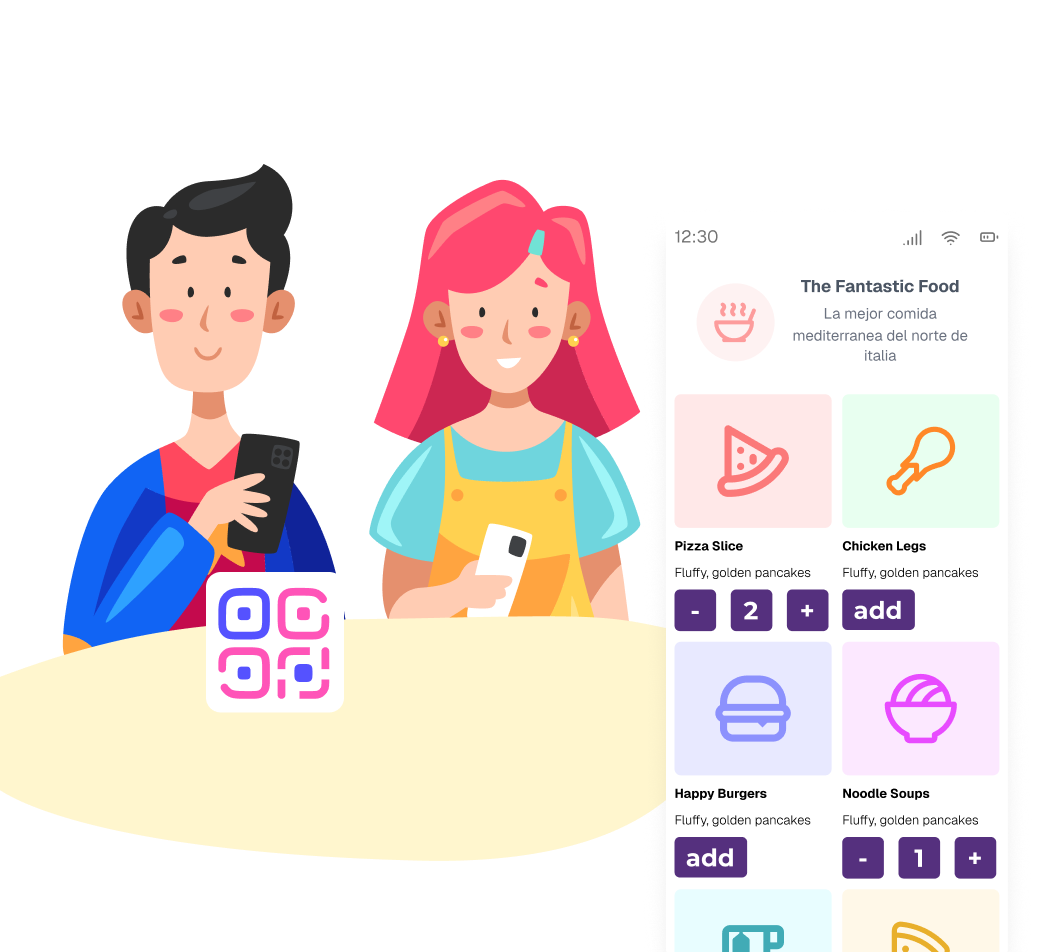
When guests scan the QR code on their table, the digital menu opens instantly on their phone. They can browse products, add items to the cart, include notes or special requests, and place the order — all without waiting for a waiter.
How it works
Guest scans the table QR code and the digital menu opens instantly on their phone — no app download required.

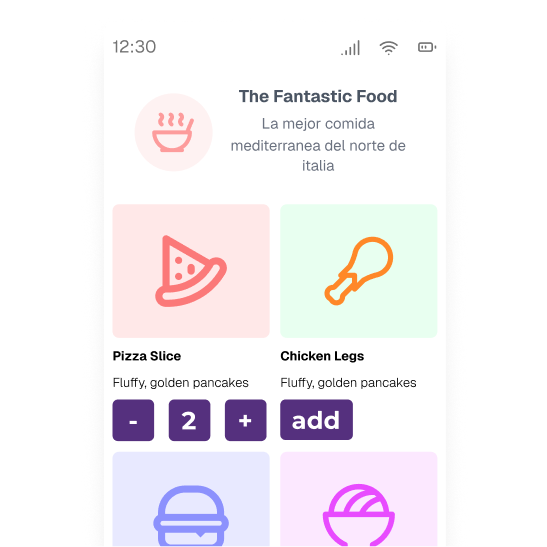
Browse products, add items to the cart, include notes or special requests, and place the order — all from the table.
The order appears in real time in your dashboard and is automatically linked to the correct table.
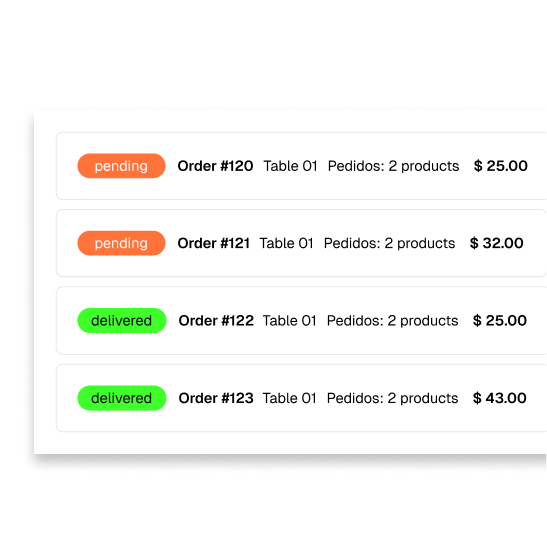
What staff sees in the dashboard
Table number
Identify which table placed the order.
Order details & items
Full list of items, quantities, and totals.
Customer notes
Special requests and customizations per item.
Order time & status
Track when it was placed and its progress in the workflow.
Benefits for restaurants
Faster service
Fewer ordering mistakes
Reduced waiter workload
Better table turnover
Real-time order management
Clear order tracking per table session

Benefits for customers
No waiting to order
Easy browsing
Ability to customize items
Clear visibility of their order status

Turn your digital menu into table ordering
This feature transforms Izicarta from a digital menu into a complete in-restaurant ordering system — improving operational efficiency while enhancing the dining experience.
Get started